
Ergonomics for Comfort and Functionality at Work
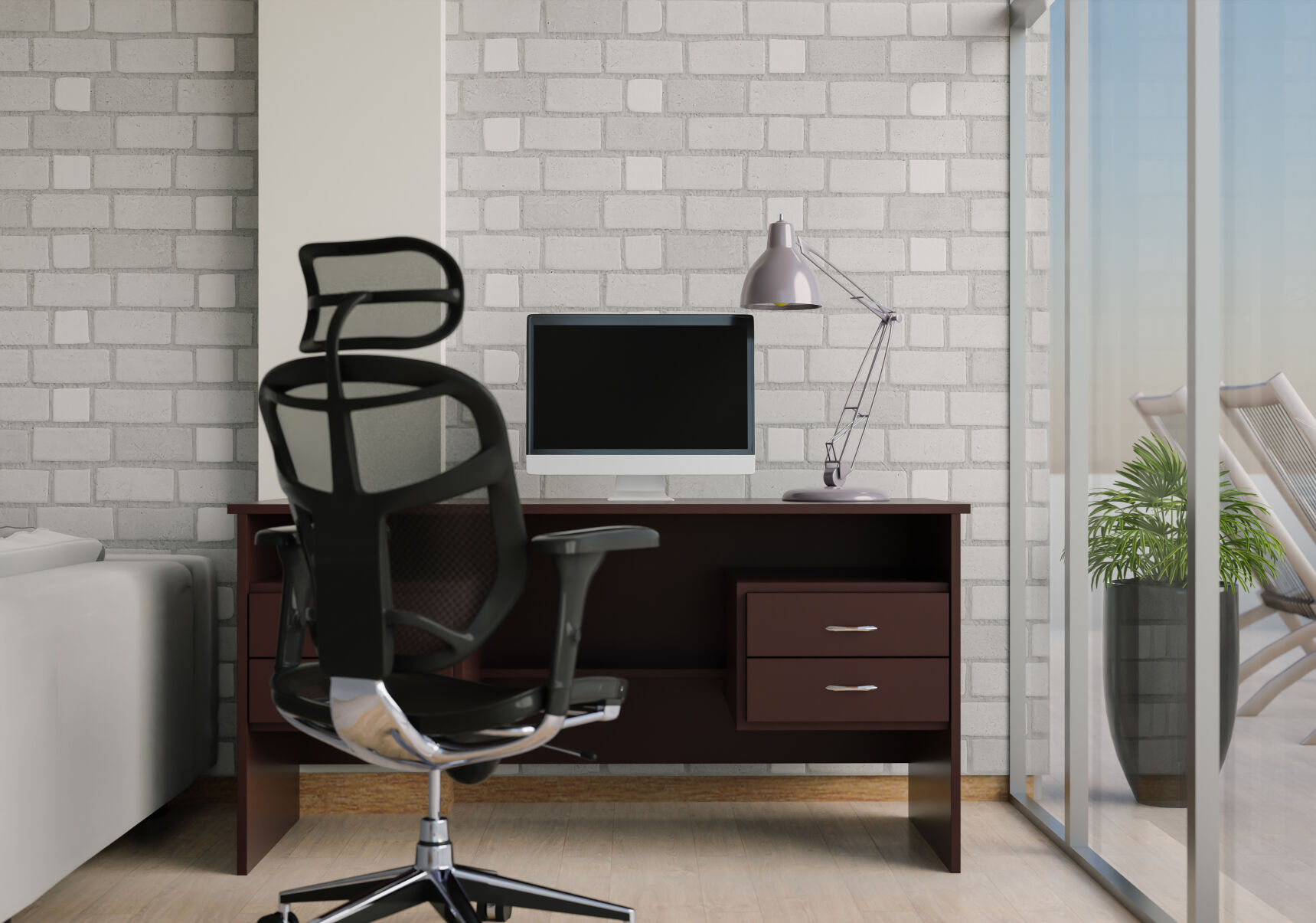
Many jobs take a hard, physical toll on the body. When compared to the hazardous exposures and physical demands of occupations like construction, agriculture and healthcare, a desk or driving job may seem harmless. But sitting for hours at a time leaves workers vulnerable to repetitive strain injuries. If ignored, these injuries can worsen, develop into chronic pain and interfere with a person’s overall comfort and ability to enjoy life.
Ergonomics can help. While it may seem like a lot of effort and time to integrate into an already busy day, the alternative — chronic pain, doctor appointments and even surgery — will demand even more.
What is Ergonomics?
Ergonomics is the scientific study of people at work. Its goal, according to the Centers for Disease Control and Prevention (CDC), is to prevent soft tissue injuries and musculoskeletal disorders (MSDs) caused by sudden or sustained exposure to force, vibration, repetitive motion and awkward posture. The last two, repetitive motion and awkward posture, are especially relevant to those whose jobs require them to sit for long periods of time.
Red Flag Warning
“The human body is meant to be moving throughout the day, and any position held for too long can be too much,” says physical therapist Dr. Jane Anderberg.
Each year, millions of Americans suffer from work-related repetitive motion maladies and musculoskeletal disorders. According to Anderberg, some of the most common issues are:
- Headaches, and upper and lower back pain. These symptoms are often caused by what Anderberg describes as the “classic slump” or “tech neck” because of a propensity to slouch while using a computer. When the head is held too far forward, its weight is dispersed incorrectly, causing strain, bulging and fatigue along the spine.
- Carpel tunnel. Often resulting from incorrect hand position while typing on a keyboard, carpel tunnel causes numbness and painful tingling in the thumb, index and middle finger. Anderberg says a person can even begin to lose muscle at the base of the thumb. “There is a tunnel formed by the bone, and when you extend your wrist up too high for long periods, you’re wrenching the tendons through a small space, causing inflammation," she explains. "That inflammation puts pressure on the nerves.”
- Painful hips. Sitting all day means the hips are experiencing a very limited range of motion. Over time, flexibility diminishes. Anderberg says hips will feel especially tight in the front. A tight hip flexor is painful and not healthy for the lower back or for circulation.
Hold That Pose
While working at a computer, correct posture can reduce stress on tendons along with muscle fatigue. Anderberg outlines the idyllic posture: knees and hips should be bent at 90 degrees, shoulders should be stacked over the hips and ears over shoulders.
While using a keyboard, elbows should be stacked below the shoulders and relaxed with wrists lower than the elbow by just a few degrees. The monitor should be at eye level to the top third of the screen to avoid straining the neck. Anderberg warns not to reach forward for the keyboard. This can lead to neck strain from having to support the weight of the forearms even if the neck is in proper alignment with the spine.
Best Practices
Correct posture while sitting and/or using a computer may not come naturally to many people. It requires engaging core muscles and being mindful of proper body alignment. Fortunately, there are aids that can help employees stay properly aligned, pain-free and healthy.
“The preventative is proper ergonomics for your workplace set-up,” Anderberg says. She suggests the following devices:
- Automated, adjustable desks that switch from sitting to standing to help keep the body’s circulation moving.
- Cushioned foot pads for standing desks.
- A footrest if the chair is too high.
- A lumbar roll attached to the chair to help prevent slouching.
- Adjustable monitor stands.
- Ergonomic mouse and keyboard.
- A wrist support to prevent fatigue.
- A keyboard tray that can lower the keyboard if a desk is not adjustable and too high.
The most important advice Anderberg provides does not come from a device. It’s movement.
“I can’t emphasize enough how important it is to get up every hour, even if just for a few minutes," she says. "Just walk around the room, get your blood moving. Set a timer on your phone so you don’t forget. Maybe do a pec doorway stretch while you’re up.”
Even while sitting, doing exercise movements while at your desk, or “deskercise,” can help keep your blood moving and your body happy. Ankle pumps can help prevent blood from pooling in the legs and feet. Anderberg also recommends keeping a resistance band handy.
“Start with your palms facing down, arms straight out at 90-degrees, and pulse straight out to the side,” Anderberg says.